.svg)
.svg)
EMOSON STUDIO Requirements
To install EMOSON STUDIO on your desktop or laptop computer, a minimum of 16GB of RAM (32GB recommended), an x64 (AMD64) processor, a 64-bit operating system (Windows, Linux, or macOS), and a working stable internet connection are required: your computer needs to talk to our servers to activate your license and stay up to date.
EMOSON STUDIO License Model & Instalation Video Guide
Download EMOSON STUDIO
-
Windows OS
Download EMOSON STUDIO
-
Mac OS
Available very soon...
-
Linux OS
Available very soon...
Using Spleeter AI
Spleeter is a tool from Deezer Research that separates your songs into stems using trained models (2, 4, or 5 tracks). To use it within EMOSON STUDIO, you just need to install it on your computer — either manually or with SpleeterGUI. Below you will find a video showing you how to install it, configure it, and start working with your stems in a comfortable, fluid, and creative way...
Spleeter AI Instalation & Configuration
Download SpleeterGUI
Get a License
_______________________
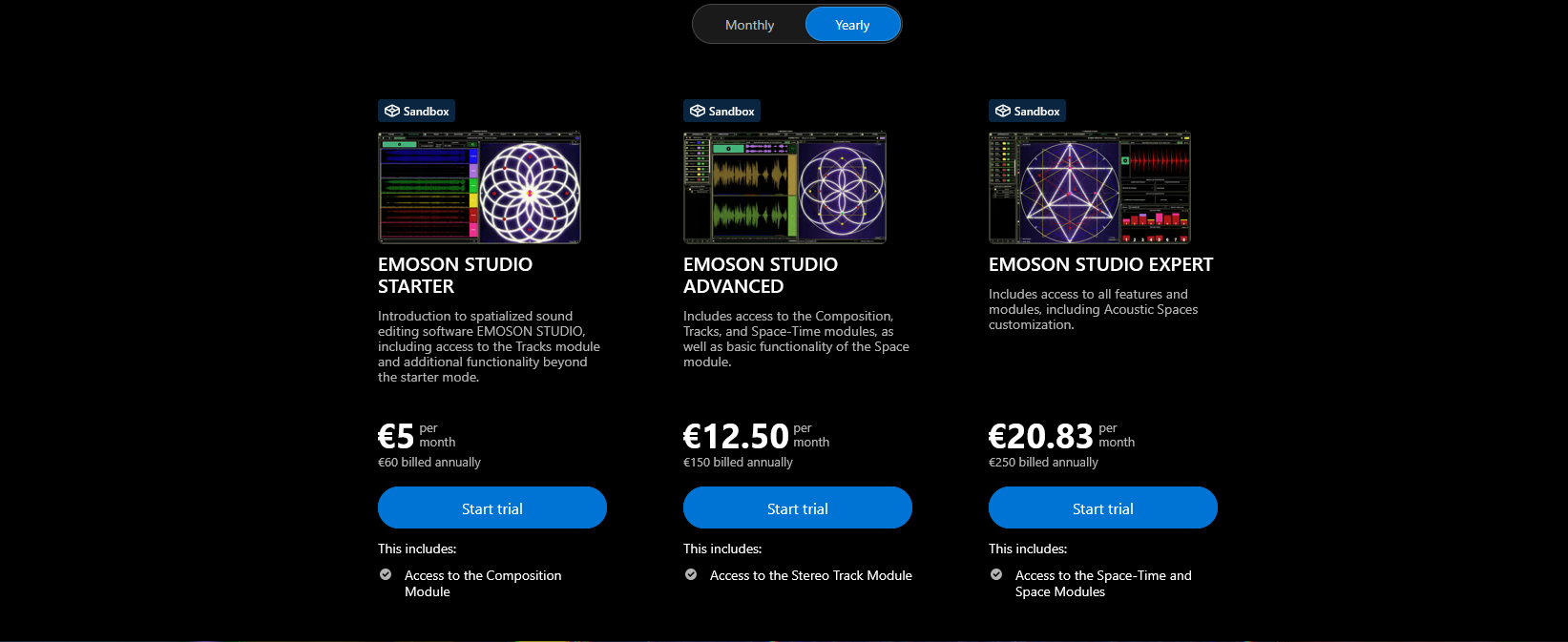
Get a monthly or annual EMOSON STUDIO license.
When you activate the program with a license, you will receive a free 15-day trial of all features.
You can also activate the program without a license, but in this case you will not have full functionality until you activate the free trial period.