.svg)
.svg)
Design sound that lives in space with
EMOSON STUDIO
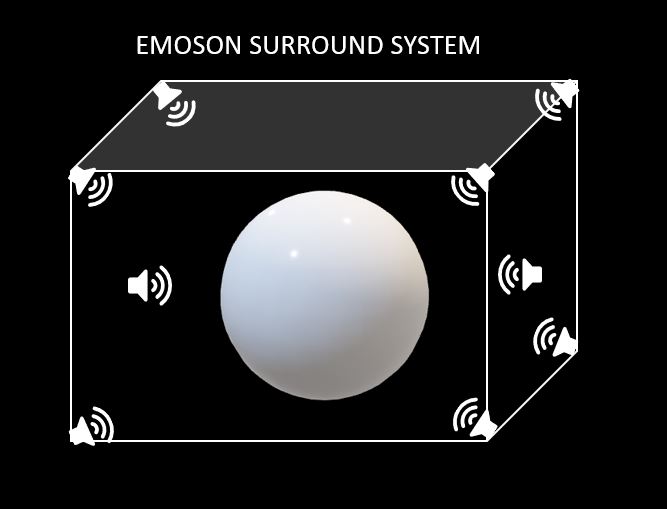
EMOSON STUDIO turns any space into an immersive soundstage using your computer, a multi-channel sound card, and 3–4 pairs of stereo speakers. Coming soon: EMOSON KITS with everything you need to get started comfortably and easily.
What makes EMOSON different
• Custom layout and spatial calibration that makes it easy to position sound sources with precision.
• Makes the most of every channel on your multi-channel card; treats the subwoofer as an extra channel.
• Real-time composition for performances and interactive installations.
• Lossless multi-channel export in .flac format to play your pieces on any suitable system.
With EMOSON, your spatial sound studio fits anywhere. Ready to shape your sonic universe?
EMOSON STUDIO Use Modes
Real-time: Use EMOSON STUDIO on PC, Mac or Linux with a 5.1/7.1 sound card (PCI or USB) and 3–4 pairs of speakers. Perfect for rehearsals, live shows, and creative jams.
Offline: Export your spatialized pieces as multi-channel .flac files and play them on a multi-track system or in installations with speakers of any size.
Plug&Play Connectivity
Connect the sound card outputs to 3 or 4 pairs of speakers distributed in a circle around the audience.
The EMOSON STUDIO GUI makes the assignment visual and intuitive so you can set up your system without any hassle.
Explore our Speaker Guide or try the Multichannel System Configurator to build your ideal setup.